Microsoft Copilot: The Complete Guide to Microsoft’s AI Assistant in 2026
Features, everyday uses, Microsoft 365 integration, developer workflows, pricing, privacy and the shift from chatbots to AI agents.
There is a particular kind of workday that feels busier than it needs to be. A spreadsheet is open, an email thread has become a small novel, a presentation is due before lunch and somebody has asked for a summary of a document you have not had time to read. Microsoft Copilot is designed for precisely this sort of digital traffic jam. It brings conversational AI into Microsoft’s wider software environment, giving people another way to search, draft, analyse, organise and complete everyday tasks.
That sounds straightforward, but the Copilot name covers several experiences. The assistant at Microsoft Copilot is not the same product as GitHub Copilot, and access to an AI chat window does not automatically mean that every Microsoft 365 application has the same connected features. Understanding those distinctions is the difference between choosing a useful tool and paying for a capability you do not actually need.
One assistant. A connected world of work.
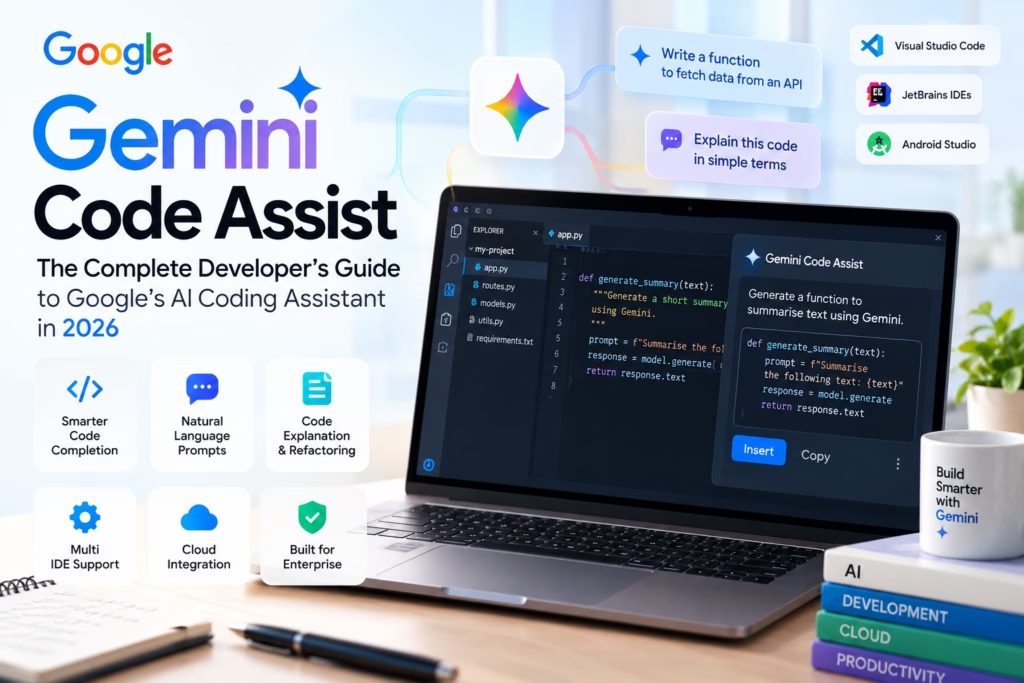
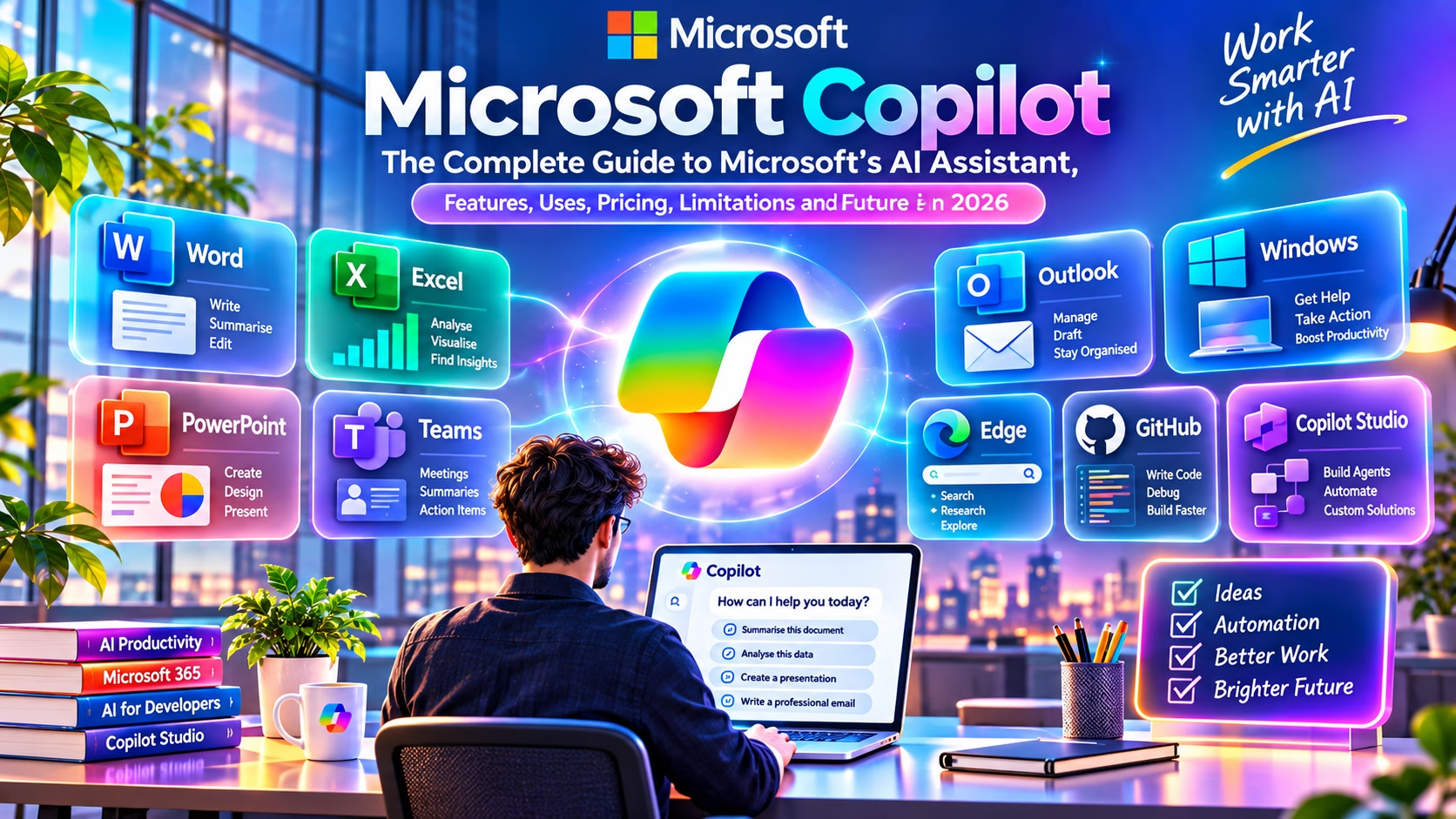
How can I help you today?▣ Summarise this document▣ Analyse this data▣ Create a presentation
Image 1. A custom HTML and CSS illustration of the Copilot ecosystem. Alt text: Microsoft Copilot workspace with colourful application panels for Word, Excel, PowerPoint, Teams, Outlook, Windows, Edge and GitHub.
What exactly is Microsoft Copilot?
Microsoft Copilot is a family of AI-powered assistants and experiences built into Microsoft’s consumer, productivity and developer products. At its simplest, it accepts natural-language instructions and returns answers, drafts, summaries or generated content. In a connected work environment, it can also use permitted organisational context and application tools to make those responses more relevant.
The important distinction is that Copilot is not simply a new name for Microsoft Office. It is an AI layer that can sit alongside software people already use. A user might ask it to turn rough notes into a polished email, explain a formula, summarise a meeting or help structure a presentation. A developer might use a coding assistant to inspect a function or suggest tests. The interface feels conversational, but the useful work happens when the assistant has the right context and the right tools.
To understand the foundations, it helps to revisit what artificial intelligence actually means and how machine learning systems learn patterns from data. A language model predicts and generates text based on learned patterns. It does not automatically know whether a statement is true, whether a spreadsheet is complete or whether a suggested code change is safe. That is why grounding, permissions and human review matter.
Copilot is a family, not one single product
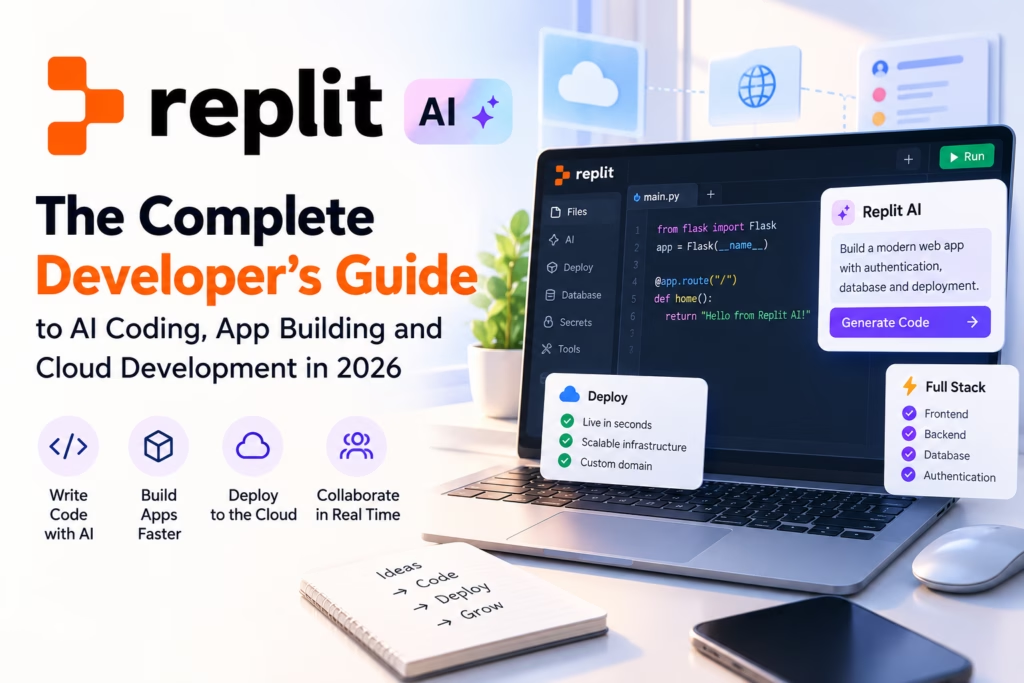
Microsoft’s naming can be confusing because the same Copilot identity appears in several places. The consumer assistant is designed for general questions, writing, web research and creative tasks. Copilot experiences in Microsoft 365 are designed around documents, spreadsheets, email, meetings and organisational information. Copilot Studio is for building agents and workflows. GitHub Copilot is a developer product with its own plans, interfaces and usage rules.
Microsoft Copilot
A general-purpose assistant for conversations, web-grounded answers, writing, brainstorming and supported image or voice experiences.
Copilot in Microsoft 365
AI assistance within productivity applications, with capabilities shaped by the user’s licence, tenant configuration and application.
Copilot Studio
A platform for creating, connecting, publishing and managing agents for business processes and supported channels.
GitHub Copilot
A separate coding assistant for code completion, chat, agentic development workflows and related developer tasks.
How Microsoft Copilot works behind the scenes
A useful way to think about Copilot is as a pipeline rather than a magic answer box. A person provides an instruction. The system interprets the request, considers the context available to that experience, sends relevant information to an AI model and then returns a response. In some workflows, it may also call tools or retrieve information from connected services.
For example, a request to summarise a public web page may use web search and page content. A request to summarise a work document may rely on the user’s access to that file and the capabilities included in their Microsoft 365 environment. The model is only one part of the process. Retrieval, permissions, connectors, application context and policy controls are just as important.
A simplified view of the assistant workflow
Image 2. HTML workflow graphic. Alt text: Four stages of Microsoft Copilot assistance, from asking and grounding to generating and reviewing an answer.
Grounding is particularly important. It means connecting a generated response to relevant information, such as web results or authorised work content, rather than relying only on the model’s general training. Grounding can improve relevance, but it does not guarantee accuracy. A source can be incomplete, an instruction can be ambiguous and a model can still misunderstand what it retrieves.
Microsoft Copilot features that matter in 2026
Conversational help and research
Copilot can help users explore a topic, develop an outline, compare options and turn a broad question into a more focused research task. Where web search is available, responses can draw on current online material. Treat citations as a starting point, not a substitute for opening the original source, especially when the subject involves money, law, health or technical configuration.
Writing, rewriting and summarisation
For everyday work, one of the most practical uses is getting past the blank page. Copilot can help draft a first version, adjust tone, shorten a long explanation or extract action points from supplied material. It is usually more effective when the user gives it an audience, purpose, length and source text rather than simply typing “write something professional”.
Multimodal and creative assistance
Depending on the experience and account, Copilot may support voice interactions, image creation, image understanding or file-based tasks. These capabilities are not uniform across every plan, device or region. Before planning a workflow around a specific feature, check the current product page and the account’s actual access.
Agents and connected workflows
Agents move beyond a single question and answer. A configured agent can use defined knowledge sources, instructions, connectors and actions to support a repeatable process. That does not mean it should be allowed to make every decision without oversight. A sensible deployment defines what the agent can read, what it can change, when it must ask for approval and how its activity is audited.
Copilot across the Microsoft ecosystem
The same assistant idea, adapted to different jobs
Image 3. HTML application cards. Alt text: Microsoft Copilot use cases in Word, Excel, PowerPoint, Outlook, Teams and Copilot Studio.
Word: turn rough material into a working draft
In Word, Copilot can assist with drafting, rewriting, summarising and reshaping content. A useful workflow is to provide a clear brief, ask for a structured first draft, then review the facts, tone and sources yourself. For a policy document, for instance, ask it to identify unclear wording before asking it to rewrite anything. That creates a review step rather than accepting a polished but potentially inaccurate rewrite.
Excel: ask questions about the data
Copilot can help explain formulas, identify patterns and support analysis in eligible Excel experiences. The quality of the result depends on the structure of the workbook and the clarity of the question. A tidy table with meaningful column names is much easier to analyse than a sheet containing merged cells, unexplained abbreviations and inconsistent dates.
PowerPoint: shape the story
Presentation assistance is most useful when the user already knows the audience and the message. Ask for a narrative arc, a slide outline and a suggested visual for each section. Then check whether the evidence supports the story. A deck that looks polished but has no clear argument is still a weak presentation.
Outlook and Teams: reduce communication overhead
In supported Microsoft 365 experiences, Copilot can help summarise email threads, draft replies, recap meetings and extract follow-up actions. These features are particularly useful when a team has a high volume of communication. The user should still verify names, deadlines, commitments and action owners before sending or sharing the summary.
Windows and Edge: assistance closer to the desktop
Copilot experiences in Windows and Edge can help users ask questions, explore web content and get assistance without treating every task as a separate research project. Availability and the exact interface can change with Windows releases, browser updates, account type and region. Avoid assuming that a feature shown in a demonstration is enabled on every PC.
Copilot Studio: build agents around a process
Copilot Studio is intended for creating and managing agents. A business might use it to answer internal policy questions, guide staff through a service process or connect a conversational interface to approved business systems. The design work matters: define the agent’s knowledge, actions, authentication, escalation route and failure behaviour before putting it in front of customers.
Microsoft Copilot for developers
For developers, Copilot is best treated as a collaborator that can accelerate specific tasks, not as an engineer who owns the result. It can explain unfamiliar code, suggest a refactor, draft a test, translate a requirement into a starter function or help diagnose an error message. The programmer remains responsible for architecture, security, performance, licensing and whether the proposed change belongs in the codebase.
Microsoft Copilot and GitHub Copilot should not be used as interchangeable labels. GitHub Copilot is the dedicated developer offering, with coding features such as inline suggestions, chat and agent-oriented workflows depending on the plan and editor. If coding is your main use case, read our GitHub Copilot review for 2026 before choosing a subscription.
It is also worth comparing the wider field. Our guides to AI tools for developers, Cursor AI, Claude Code, OpenAI Codex, Windsurf, Replit AI and Gemini Code Assist explore different approaches to AI-assisted development. The right choice depends on your editor, repository, preferred workflow and tolerance for automated changes.
A practical debugging example
Imagine a Python API endpoint returning an unexpected null value. Instead of pasting an entire private repository into a chat, share the smallest safe reproduction, the expected output, the actual output and the relevant function. Ask Copilot to list likely causes before suggesting a patch.
# Example prompt for a coding assistant
# Context: Python 3.12, FastAPI, pytest

"Review this function for the null response bug.
First explain the likely cause.
Then propose the smallest safe change.
List edge cases and write pytest tests.
Do not change the public API contract."
A good developer workflow then runs the tests, inspects the diff, checks dependencies and performs a security review. Generated code can contain incorrect assumptions, inefficient queries or insecure handling of user input. Never merge code merely because the assistant sounds confident.
10 practical Microsoft Copilot prompts worth keeping
These prompts are deliberately specific. Replace the bracketed context with your own material and avoid including confidential information in a consumer account unless the applicable terms and settings permit it.
Read the document I provide. Give me a 150-word executive summary, the five most important claims, any missing evidence and three questions I should ask before approving it.Draft a concise email to [audience] about [subject]. Keep the tone warm and professional. State the requested action and deadline clearly. Do not invent commitments.Inspect this table. Explain the main trends, unusual values and possible data-quality issues. Suggest three charts, but do not infer causation from correlation.Create a 10-slide outline for [audience] about [topic]. Give each slide one message, supporting evidence and a visual idea. Finish with a clear decision or next step.Turn these meeting notes into decisions, action items, owners, due dates and unresolved questions. Mark any owner or deadline that is not explicitly stated as unconfirmed.Explain [topic] for a technically curious reader. Separate established facts from open questions, link primary sources where possible and identify what may have changed recently.Review this function and error output. Explain the likely root cause first, then propose a minimal patch, edge cases and tests. Preserve existing behaviour unless I ask otherwise.Write a SQL query for [database] that answers [business question]. Explain joins and filters, state assumptions about the schema and suggest a safe way to test it on sample data.Turn this product idea into milestones, deliverables, dependencies, risks and acceptance criteria. Highlight decisions that need a human owner before development starts.Analyse this process and identify steps suitable for automation. For each step, specify the trigger, required data, permissions, failure path and where human approval must remain.Microsoft Copilot pricing in 2026: what should you budget for?
Pricing is not one simple figure because Microsoft sells different Copilot experiences to individuals, organisations and developers. Consumer access, Microsoft 365 subscriptions, business add-ons, Copilot Studio and GitHub Copilot have separate licensing structures. Prices can also vary by country, billing term, tax and eligibility.
For India, Microsoft’s official Copilot Studio pricing page currently lists Microsoft 365 Copilot at ₹2,495 per user per month when paid yearly, with GST extra and a qualifying Microsoft 365 business or enterprise plan required. The same page lists a Copilot Studio credit capacity pack at ₹16,640 per month for 25,000 Copilot Credits, with pay-as-you-go and pre-purchase options also available. Check the live page before purchase because licensing and rates can change. See Microsoft’s India Copilot Studio and business pricing.
| Offering | Who it is for | Pricing approach | What to check |
|---|---|---|---|
| Microsoft Copilot (consumer) | Individuals exploring AI chat, writing and web help | Free access is available; enhanced features may depend on a paid plan or account | Usage limits, sign-in, feature availability and consumer privacy settings |
| Microsoft 365 Personal / Family / Premium | Individuals and households using Microsoft 365 apps | Subscription pricing varies by country and plan | Included Copilot features, AI usage allowances and who in a family plan can use them |
| Microsoft 365 Copilot for business | Eligible business and enterprise users | Per-user subscription, generally alongside a qualifying Microsoft 365 licence | Current regional price, licence prerequisites, tenant configuration and GST |
| Copilot Studio | Teams building and publishing agents | Credit packs, pre-purchase or usage-based billing | Credit consumption, Azure subscription, channels and agent deployment needs |
| GitHub Copilot | Software developers and engineering teams | Separate Free, individual paid and organisation plans | AI credit allowances, premium model access, policies and metered usage |
GitHub’s published plan documentation lists Copilot Free, Pro, Pro+, Max, Business and Enterprise tiers. Its individual paid plans include different monthly AI credit allowances, while organisation plans have their own seat pricing and controls. These are GitHub Copilot prices, not the price of Microsoft 365 Copilot. Check the current GitHub Copilot plans.
Microsoft Copilot vs ChatGPT vs Google Gemini
These assistants overlap, but they are built around different ecosystems and product strategies. Copilot’s natural advantage is its relationship with Microsoft software and enterprise workflows. ChatGPT is a broad assistant with a large set of general-purpose capabilities and tools. Gemini is closely connected to Google’s AI ecosystem and services. Their features change frequently, so compare the tasks you actually perform rather than relying on a single winner label.
Use AI to accelerate the boring parts, not to skip engineering judgement
Image 4. HTML developer scene. Alt text: Code editor showing an example function alongside an AI-assisted code review and testing suggestion.
| Decision point | Microsoft Copilot | ChatGPT | Google Gemini |
|---|---|---|---|
| Natural fit | Microsoft 365 and Windows-oriented work | General-purpose assistant tasks and supported tools | Google services and supported multimodal workflows |
| Office productivity | Strong fit where eligible Microsoft apps and licences are in place | Useful for drafting, analysis and file-based tasks where supported | Useful alongside eligible Google Workspace and other Google services |
| Coding | Consider GitHub Copilot for dedicated coding workflows | Useful for explanations, code reasoning and supported coding tools | Gemini Code Assist targets developer workflows |
| Business deployment | Microsoft identity, administration and compliance ecosystem | Depends on the selected plan and business configuration | Depends on the selected Google plan and Workspace configuration |
| Best selection method | Test with your real Microsoft workflow | Test with your real research and creation tasks | Test with your real Google and multimodal workflow |
Where Copilot is useful, and where it can let you down
Less repetitive work
Drafting, summarising and extracting actions can reduce time spent on routine communication and document preparation.
Familiar application context
When the right licence and permissions are in place, assistance can sit close to the applications and information people already use.
Faster first drafts
It can help users move from a blank page to a reviewable outline, draft or analysis.
Confident mistakes
AI-generated answers can be inaccurate, incomplete or based on a misunderstanding of the supplied context.
Licensing complexity
Features differ across consumer, business, enterprise, Studio and developer subscriptions.
Review is still essential
Important calculations, legal language, customer messages and code changes need human checking.
Copilot security, privacy and enterprise data
Security is not a footnote when an assistant can work near business documents, email and internal knowledge. Microsoft describes enterprise data protection for work and school use, including contractual protections, encryption, tenant isolation and the application of existing identity and access controls. Its documentation also states that prompts, responses and Microsoft Graph data covered by the described enterprise protections are not used to train foundation models. The exact controls depend on the subscription and configuration. Read Microsoft’s enterprise data protection documentation.
Consumer experiences have separate privacy terms and controls. Microsoft’s consumer privacy FAQ explains how conversation activity may be used to improve its services and describes controls for eligible signed-in users. Do not assume that consumer and organisational accounts have identical data handling. Review the consumer Copilot privacy FAQ.
For organisations, the practical work starts before rollout. Review SharePoint and OneDrive permissions, remove overshared files, classify sensitive information, define retention policies and decide which connectors agents may use. If a user can access a document, an AI experience that respects that user’s permissions may be able to surface relevant information from it. Poor information governance can therefore become more visible when AI makes searching easier.
Prompt injection is another risk. A document or web page can contain instructions designed to manipulate an AI system. Users and administrators should treat external content as untrusted, restrict agent actions, require approval for sensitive changes and monitor activity. A fluent response is not proof that an action is safe.
Choosing the right Copilot workflow for your day
There is no need to use Copilot for every task. It is a good fit when a task involves transforming information, finding a starting point, summarising a large amount of material or navigating a repeatable workflow. It is a weaker fit when the work depends on facts that must be exact, judgement that requires specialist accountability or data that should not be shared with the selected service.
The next shift: from AI assistant to connected agents
More connected workflows, with people still in control
Image 5. HTML future-of-work graphic. Alt text: Colourful illustration of AI-assisted work evolving through ideas, automation, connected workflows and human oversight.
The next stage of Copilot is not simply a chatbot that writes longer answers. It is a more connected assistant that can coordinate information and actions across applications. An agent might collect information from approved sources, prepare a draft, update a workflow and ask a person to approve the final step. The value comes from joining several small tasks into one controlled process.
That future also raises a more demanding engineering question: how do you know what an agent did, why it did it and whether it had permission? Organisations will need clear action boundaries, reliable logs, identity controls, test environments and escalation paths. Developers will need to think about tool permissions and failure handling as carefully as they think about prompts.
Research into AI is also moving beyond office productivity. From intelligent systems in engineering to ambitious applications in space, the wider landscape is changing quickly. Our coverage of how AI is shaping the future of SpaceX and our analysis of GPT-6 Astra and advanced AI capabilities offer useful context for readers following that bigger shift.