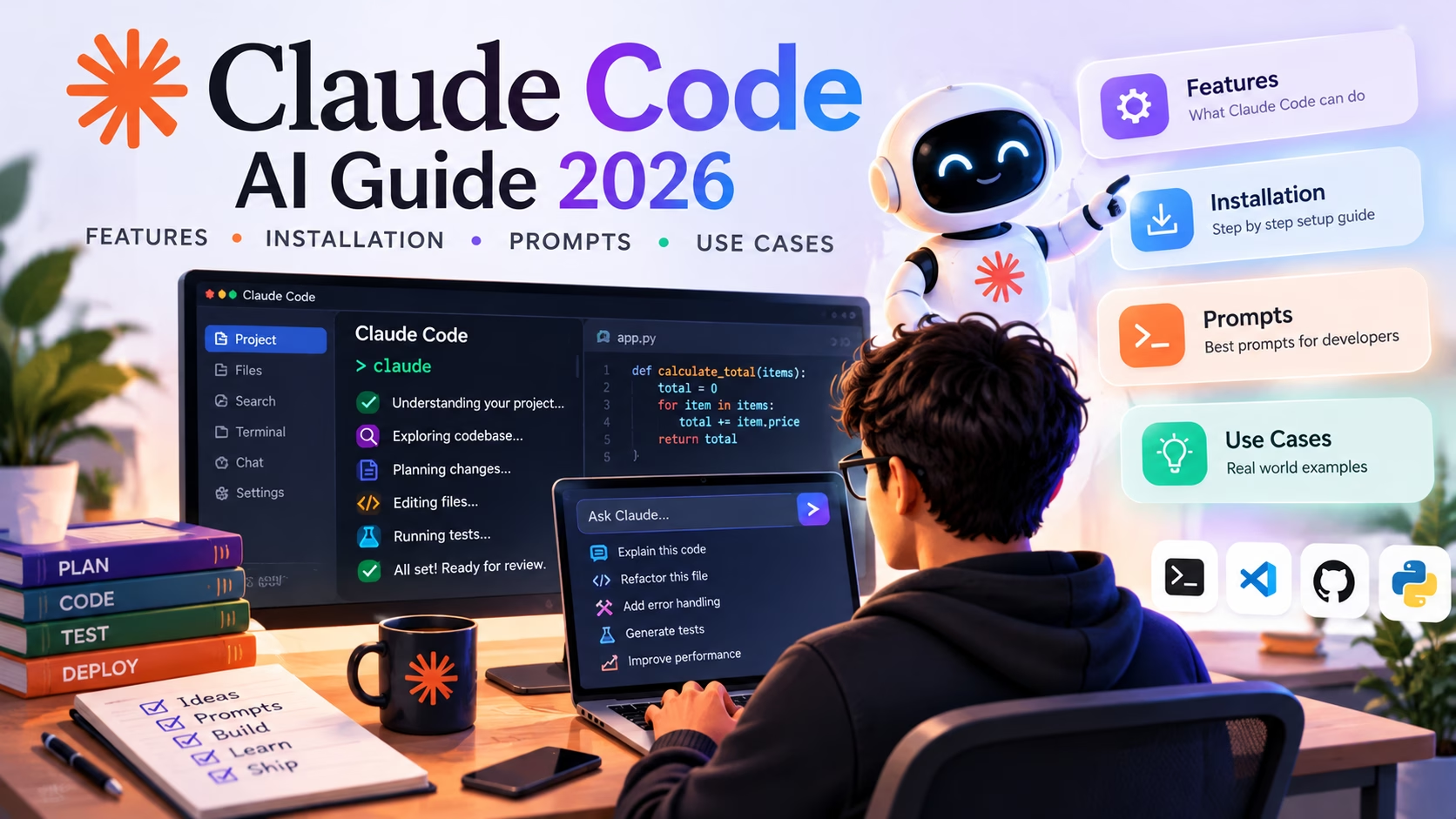
A ticket says “small fix to the checkout flow.” Then you open the repository and find seven files, two feature flags, a failing integration test, a migration nobody documented, and a diff that touches an authentication guard you did not expect. The fix is trivial, but the work around it is not. Agentic coding tools try to close that gap, and Claude Code AI is one of the more opinionated attempts. This guide covers what it does, how to install it, which commands and prompts earn a place in a real workflow, and where it still needs a careful developer watching the output.
Claude Code is not the only serious option in 2026. Developers who already compare tools like those in this roundup of AI tools for developers will recognise the trade-offs between integration depth, control and review overhead. Claude Code leans towards the terminal and explicit permission boundaries, and whether that suits you depends on how your team works.
What is Claude Code AI?
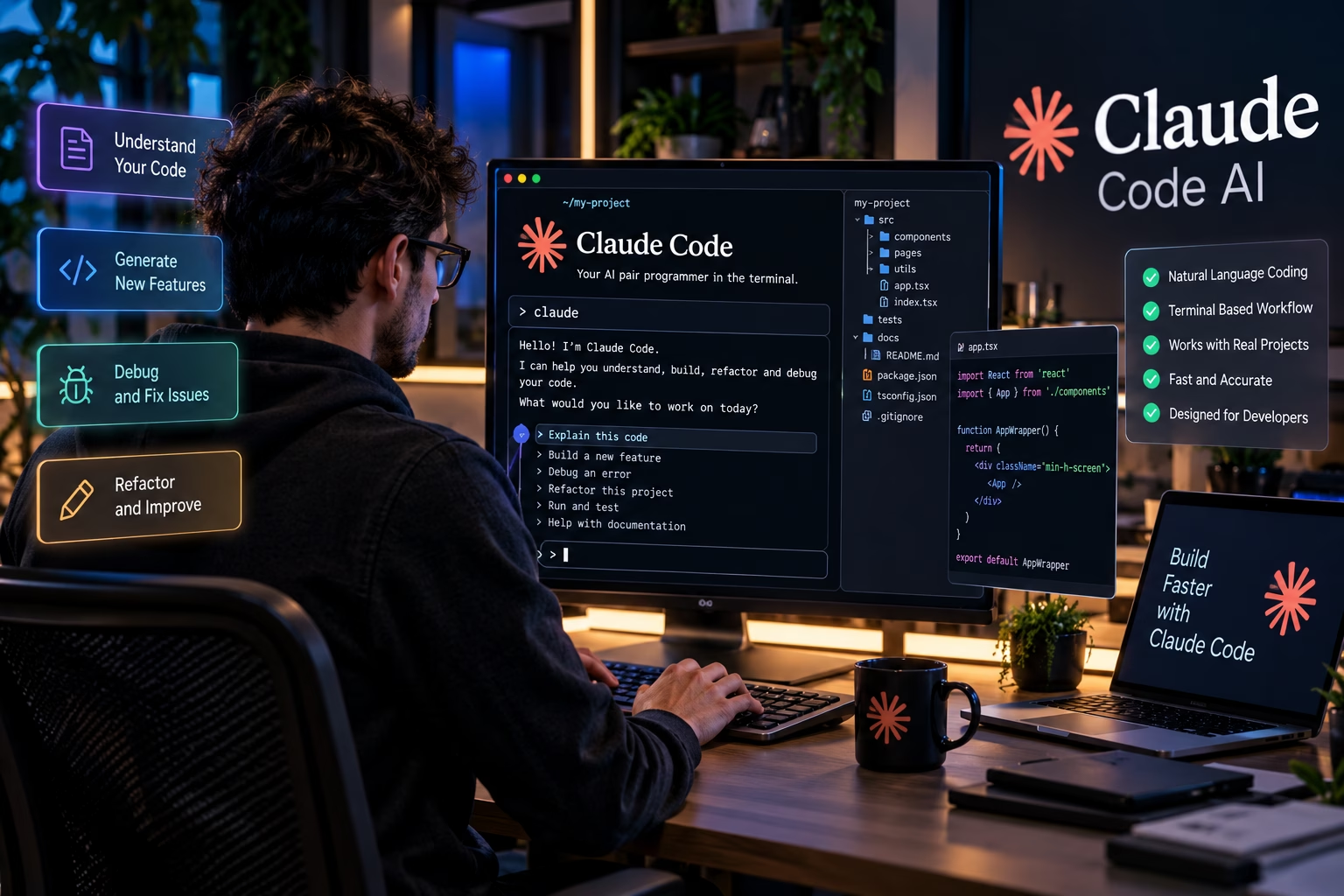
Claude Code is Anthropic’s agentic coding tool. It runs primarily in your terminal, works inside the project directory you launch it from, and can read files, propose edits, run commands, execute tests and interact with Git, provided the permissions you have configured allow it. It also has IDE integrations for editors such as VS Code and JetBrains products, but the terminal is the main interface.
A chat assistant answers questions about code you paste in. A project-aware agent inspects the codebase itself, decides which files are relevant, and takes a sequence of actions towards a stated goal. Claude Code is the second kind. Ask it to fix a failing test and it can locate the test file, read the implementation, run the test suite, interpret the failure output, change the code and run the tests again. That loop matters more than the quality of any single generated snippet.
That is what “agentic coding” means in practice: the model chooses tools and observes the results instead of only generating text. For the wider field, see our complete guide to artificial intelligence, and for the concepts behind model training, our primer on what machine learning actually is. Claude Code does not retrain its model during your session. It applies an existing model inside a controlled tool environment.
How it differs from chat-based coding help
The two approaches solve different problems, and a table shows the contrast most clearly.
Chat Assistant vs Claude Code
See how a conventional chat-based AI assistant differs from a project-aware coding agent working directly with your development environment.
| Dimension | Chat-Based Assistant | Project-Aware Agent (Claude Code) |
|---|---|---|
| Context Source | Uses the information you paste or attach to the conversation. | Can inspect relevant files in the working directory and discover project context. |
| Action Capability | Usually produces text or code for you to copy and apply manually. | Can propose changes and, when permitted, edit project files directly. |
| Command Execution | Execution depends on the tools available to the assistant. | Can run shell commands and tests when the environment and permissions allow it. |
| Multi-Step Tasks | Often requires the developer to coordinate successive steps. | Can work through iterative steps, inspect results and adjust its approach. |
| Verification | You may need to run tests and check the output yourself. | Can run available tests, inspect failures and attempt fixes. |
| Developer Control | Control largely comes from reviewing and applying generated output. | Permissions, approval prompts and diff reviews help you supervise changes. |
Practical takeaway: Claude Code can work with real project files and development tools, but it is not fully autonomous by default. Review code changes, check permissions and run suitable tests before shipping.
One caveat: what the tool can do depends on configuration. A fresh installation with default permissions is deliberately cautious. It asks before running commands it considers risky, and it does not get unrestricted access to your filesystem. Its reach grows as you grant permissions, add project instructions or connect external tools through MCP servers, so two developers running the same version on the same repository can have very different experiences.
Models and tools also sit at different layers. Tools like those in our coverage of GPT-6 Astra are the underlying model layer, while Claude Code is a workflow layer built on top of a model. A stronger base model improves the workflow, but the workflow decides whether the tool is useful on a real project with tests, conventions and a review process.
How Claude Code works behind the scenes
The loop is simple to describe. You give Claude Code a task. It gathers context by reading files and asking for directory listings, then forms a plan, often visible to you before any edits happen. It calls tools to edit files or run commands, reads their output and iterates until it has a change for you to review.
The diagram below shows the intended flow, though in practice the sequence is rarely linear. A failing test after an edit can send the agent back to context gathering, and a permission denial can send it back to planning. Read the diagram as a mental model, not a rigid pipeline.
How Claude Code Tackles a Coding Task
From your first instruction to the final review, follow the seven stages of an AI-assisted development workflow.
-
Step 01
Task Request
-
Step 02
Project Inspection
-
Step 03
Plan
-
Step 04
Code Changes
-
Step 05
Tests
-
Step 06
Diff Review
-
Final Step
Developer Approval
The parts of the loop that matter
Context gathering is where most of the quality is decided. The agent uses file search, directory listings and direct reads to build a picture, and if you launched it in the wrong directory, or your repository is enormous and poorly organised, that picture is misleading and everything downstream suffers.
Tool calls are how the agent acts. Reading a file, editing a file, running a command and searching the web through an MCP server are all tool calls, and each is subject to the permission system. That is what lets you reason about safety: the agent can only do what the tools and permissions permit.
Test execution is what separates an agent from a code generator. When the agent runs your test suite and reads the output, it can correct its own mistakes. If your project has no tests, or tests that take forty minutes to run, that feedback loop collapses and the agent is effectively guessing.
Human approval is not a formality. The diff review is where you catch the plausible-looking change that breaks an invariant the agent did not know about, so treat it as the most important step in the process rather than the last one before you go home.
Core features developers should understand
The feature list below is deliberately practical. For each capability I note what it does, when it earns its keep and where it stops being reliable. Availability varies by interface, plan and configuration, so treat the specifics as a starting point and confirm them against the official documentation for your setup.
What Can Claude Code Do?
Explore eight practical ways Claude Code can support everyday software development, from understanding unfamiliar repositories to connecting external tools.
Codebase Exploration
Searches and reads files to understand unfamiliar code. Useful during onboarding and incident response, but limited by repository size and structure.
Multi-File Editing
Changes several related files in one task. Powerful for refactors and interface changes, but the diff needs careful review to catch unintended edits.
Bug Investigation
Traces a failure from symptom to cause by reading code and running reproductions. Strongest when you can supply a reliable reproduction.
Test Generation and Execution
Writes tests, runs them and iterates on failures. Best on projects with an existing test harness and fast feedback.
Terminal Workflows
Works inside your shell environment with the tooling your team already relies on, so no separate IDE is required.
Git Assistance
Inspects status, reviews diffs, drafts commit messages and prepares pull request descriptions. It does not replace reading the diff yourself.
Project Instructions
A CLAUDE.md file records conventions, commands and constraints so the agent does not rediscover them every session.
MCP Integrations
Connects external tools and data sources through the Model Context Protocol. This widens both what the agent can do and the security surface.
Codebase exploration
Most developers underrate this one. A new joiner on a large monorepo can ask the agent to map how a request flows from an HTTP handler through service layers to the database, and get back a narrative with file references. It is not always right, but it is usually a better starting point than searching blindly. Scale is the limit: very large repositories can exceed what the agent can meaningfully inspect in a single task, so you will need to narrow the scope with explicit directories or file paths.
Multi-file editing and refactoring
The agent saves real time when you rename a function used in twelve files, change a signature and update its callers, or extract a module from a monolith. The risk grows with the diff: a wide diff is harder to review, and an agent that misunderstands one convention can apply the wrong pattern consistently across every file. The habit that protects you is to ask for the list of files to be changed before any edit happens, then review the diff file by file.
Bug investigation
Give it a stack trace, a failing test name, or a precise reproduction and it can often find the cause quickly. Give it “the app is broken” and you will get a wandering tour of the codebase. The quality of the input determines the quality of the investigation, which is a theme throughout this article.
Test generation and execution
Claude Code can write unit tests for existing functions and run them. On a project with a working test runner and clear conventions, this is one of the highest-value uses. On a project with no test infrastructure, or tests that depend on a flaky external service, the agent will struggle to verify anything and may produce tests that pass for the wrong reasons. Ask explicitly for edge cases and for a note on what the test does not cover.
Project instructions and CLAUDE.md
A CLAUDE.md file at the project root gives the agent durable context: build commands, test commands, coding conventions, architecture notes and known constraints. For most teams it is the highest-leverage configuration change, because the agent stops re-deriving conventions every session and is less likely to invent a pattern that conflicts with the existing codebase. There is an example file in the customisation section.
Hooks, skills and subagents
These features automate parts of the workflow. Hooks run commands automatically at defined points in the agent’s lifecycle, for example formatting a file after it is edited or running a linter. Skills package reusable instructions and workflows. Subagents take delegated tasks in their own context. All of them need care: an automated action that runs on every edit can cause real damage if it is misconfigured, and a subagent that inherits broad permissions can take actions you did not explicitly review.
IDE integration
The terminal is the primary surface, but IDE integrations let the agent work alongside your editor with better diff views and file navigation. Teams that already live in VS Code or JetBrains will find this reduces friction, though the underlying permission model is the same.
Permission controls
The permission system is the feature that makes the rest defensible. You decide which commands are allowed, which require confirmation, and which are blocked. You can allowlist specific safe commands and keep everything else behind a prompt. This is not a complete security boundary, as the security section explains, but it is the difference between a tool you can use on a real codebase and one you cannot.
Applications beyond writing software
Agentic AI is not confined to coding. The same ideas appear in engineering domains far outside software, as our piece on how AI is shaping engineering at SpaceX illustrates. The constraints differ, but the pattern of an agent inspecting state, planning, acting and verifying recurs.
Installation and initial setup
Installation is short, but a few details matter. The steps below follow the documented approach at the time of writing, and because the CLI evolves quickly you should cross-check them against the official Claude Code documentation before running anything.
Prerequisites
- A supported operating system: macOS, Linux, or Windows (Windows works best via WSL or the native installer, depending on your environment).
- A terminal you are comfortable using, since you will be running commands directly.
- An Anthropic account with access to Claude Code, either through a qualifying subscription plan or through API access billed separately.
- If installing via npm, a recent Node.js runtime. Check the documentation for the current minimum version rather than assuming an older one still works.
Installing on macOS and Linux
There are two supported routes. The npm route is familiar if you already manage global packages with Node. The native installer route avoids a Node dependency entirely.
Shell: npm installationCopy
# Install the CLI globally. Run from any directory.
npm install -g @anthropic-ai/claude-code

# Verify the installation
claude --version
Shell: native installationCopy
# Native installer for macOS and Linux
curl -fsSL https://claude.ai/install.sh | bash
Before you pipe a script into a shell: download it first, read it, then run it. The one-liner above is the documented convenience form, but the habit of inspecting remote scripts before execution is worth keeping regardless of the vendor.
Installing on Windows
Native Windows support has improved, and there is a PowerShell installer. Many developers still prefer WSL because the Linux tooling ecosystem matches their deployment environment more closely. Pick whichever matches your actual development setup.
PowerShell: native Windows installationCopy
# PowerShell installer for Windows
irm https://claude.ai/install.ps1 | iex
Authentication
After installation, run claude from a terminal. The first launch will guide you through authentication. Depending on your access route, you will either sign in with your Claude account or configure an API key. Do not paste API keys into prompts or commit them to a repository. Use the documented configuration flow, and if you are using environment variables, keep them in your shell profile or a secret manager, not in a tracked file.
Shell: first launchCopy
# Start a session in the project you want to work on
cd path/to/your/project
claude

# Inside the session, check authentication and configuration
/login
/status
Starting in the right directory
This is the single most common setup mistake. Claude Code’s context is built from the directory you launch it in. Launch it from your home directory and it will have no useful project context and may spend time exploring unrelated files. Launch it from the repository root, or from the specific package directory you intend to work on, and the context is relevant from the first prompt.
Initial project inspection
Once authenticated, ask the agent to familiarise itself with the repository before you ask for changes. A simple opening prompt like “Summarise the structure of this project, list the main entry points, and tell me how to run the test suite” gives you an early signal about whether it is reading the right files. If it describes a structure that does not match reality, stop and check that you are in the correct directory.
Running diagnostics and updating
The CLI includes a diagnostic command that reports on your installation, authentication and environment. Use it when something is not working rather than guessing. Updates follow the documented method for the install route you chose: npm users update via npm, native installer users follow the native update path. Running an unrelated update command will not help and may break the installation.
Shell: diagnosticsCopy
# Report installation and environment status
claude doctor
Troubleshooting common installation issues
- Command not found after install: your shell PATH does not include the global npm bin directory, or the installer’s output directory. Check with your package manager and reopen the terminal.
- Authentication loops: clear the stored credentials using the documented logout flow and sign in again. Do not delete configuration files manually unless the documentation tells you to.
- Permission errors on npm global install: avoid running the install with elevated privileges as a first resort. Configure a user-level prefix for global packages instead.
- Node version mismatch: confirm the current minimum version in the docs and upgrade if needed.
Essential Claude Code commands
Commands fall into three groups, and it helps to keep them distinct: shell commands you run in your terminal, slash commands you type inside a Claude Code session, and keyboard shortcuts. The table below covers the ones you will use most often. The CLI changes regularly, so /help inside a session is the authoritative reference for your installed version.
Claude Code Commands and Shortcuts
A practical reference to the terminal commands, slash commands and keyboard shortcuts that help you manage your Claude Code sessions.
| Command or Shortcut | Type | Purpose | When to Use It |
|---|---|---|---|
claude |
Shell | Start an interactive session in the current directory. | Beginning any work session. |
claude doctor |
Shell | Diagnose installation and environment problems. | Something is not working. |
/help |
Slash | List available commands and shortcuts. | Discovering current capabilities. |
/init |
Slash | Analyse the project and draft a starter instruction file. | First session on an existing repository. |
/clear |
Slash | Reset the conversation context. | Switching to an unrelated task. |
/compact |
Slash | Compress the conversation to free context. | Long sessions where quality is drifting. |
/context |
Slash | Inspect what is currently occupying context. | Diagnosing why the agent seems forgetful. |
/model |
Slash | Select the model for the session. | Trading speed against depth. |
/permissions |
Slash | Review and adjust allowed actions. | Before granting broader access. |
/memory |
Slash | View and edit project and user memory files. | Recording conventions and constraints. |
/review |
Slash | Request a review of pending changes. | Before committing. |
/cost |
Slash | Show usage for the current session. | Monitoring spend on metered access. |
Esc |
Shortcut | Interrupt the current operation. | The agent is heading in the wrong direction. |
Esc Esc |
Shortcut | Rewind to an earlier point and edit the prompt. | You gave incomplete instructions. |
Shift+Tab |
Shortcut | Cycle permission modes. | Adjusting how much confirmation you want. |
Ctrl+C |
Shortcut | Cancel current input or operation. | Recovering from a mistaken prompt. |
Ctrl+D |
Shortcut | Exit the session. | Ending work cleanly. |
Quick tip: Use /help inside your current Claude Code session to check the commands available to your installed version. Features and shortcuts may vary by version, configuration and terminal environment.
/init tends to surprise newcomers. It reads your project and drafts an instruction file, which is a starting point: review and correct it rather than accepting it wholesale, because your knowledge of the codebase is still the authority.
Practical Claude Code prompts for developers
These prompts are written for real situations rather than demos. Each one comes with notes on what to provide, what a good result looks like and how to verify it. Copy them and swap in your own file paths, names and details.
1. Understanding an unfamiliar repository
Prompt: onboarding
Explore this repository and produce a short onboarding map. Cover:
- The main entry points and what they start.
- The directory layout and the purpose of each top-level folder.
- How to install dependencies, run the app locally and run the test suite.
- The three most important modules a new developer should read first, with file paths and a one-line reason for each.

Do not modify any files. If you are unsure about something, say so rather than guessing.
You need to provide nothing extra, but launch from the repository root. A good result is a map with real file paths and an honest note about uncertainty. To check it, open two or three of the referenced files and confirm the description matches.
2. Finding the cause of a bug
Prompt: bug investigation
The checkout page throws the error below when a user applies a discount code after adding an item to the cart.

Error:
TypeError: Cannot read properties of undefined (reading 'percentage')
    at applyDiscount (src/cart/discounts.ts:42:18)

Investigate the cause. Read the relevant files, trace the data flow into applyDiscount, and tell me which code path can produce an undefined discount object. Do not change any files yet. Propose a minimal fix and list the tests that should cover it.
Provide the exact error, a reproduction path and the file or line if you have it. A good result explains the faulty path specifically and proposes a fix that addresses the cause, not the symptom. Reproduce the bug yourself, apply the fix, and confirm both that it is gone and that no adjacent behaviour changed.
3. Refactoring a large function
Prompt: refactor
The function processOrder in src/orders/process.ts is 180 lines long and mixes validation, pricing and persistence.

Refactor it into smaller functions with clear responsibilities. Preserve the existing public behaviour exactly. Do not change the function signature. Before editing, list every file you expect to touch and the responsibility you plan to extract into each new function. Wait for my confirmation before making changes.
Provide the file, the function name and the reason for the refactor. A good result is a plan that separates concerns without altering behaviour. Run the existing tests before and after, and review the diff for subtle behaviour changes such as altered error messages or ordering.
4. Writing unit tests
Prompt: tests
Write unit tests for the functions in src/pricing/tiered.ts using the existing test framework and the conventions in the neighbouring test files.

Cover: the happy path, boundary values at each tier transition, negative quantities, and zero-value orders. For each test, add a short comment explaining what behaviour it locks in. After writing the tests, run the suite and report any failures. If a failure reveals a bug in the implementation rather than the test, tell me and stop rather than changing the implementation.
Provide the module and the existing test conventions. Good tests fail when the behaviour changes and pass when it is correct. To check, deliberately break the implementation and confirm at least one test catches it.
5. Improving error handling
Prompt: error handling
Review the error handling in src/api/client.ts. Identify cases where errors are swallowed, where a generic error replaces a specific one, and where a failure is logged but not surfaced to the caller.

Produce a table of the issues with the line number, the current behaviour and the risk. Then propose a revised approach that preserves the existing error types. Do not edit until I review the table.
Provide the file and any project conventions for errors. A good result names specific issues with line references rather than giving generic advice. Read the flagged lines yourself, since a table of issues is easier to check than a full rewrite.
6. Reviewing a Git diff
Prompt: diff review
Review the currently staged changes. For each modified file, summarise what changed and why it appears to have changed.

Flag: changes that look unrelated to the stated purpose, missing tests for new behaviour, altered public interfaces, and any change that could affect authentication, authorisation, payments or data deletion. Do not modify any files. Output a list of concerns ordered by severity.
Provide the staged changes and a stated purpose. A good result is an ordered list that catches unrelated or risky changes. Check each flag against the diff yourself, because the agent is a second pair of eyes, not a replacement for your own.
7. Finding performance bottlenecks
Prompt: performance
The endpoint GET /api/reports/summary takes around 3.5 seconds on a dataset of 50,000 rows. The handler is in src/api/reports/summary.ts.

Trace the execution path and identify the most likely causes of the slowdown. Look for repeated queries inside loops, missing indexes implied by the query shapes, unnecessary serialisation and synchronous work that could be deferred. Propose changes with an estimate of expected impact and the measurement you would use to confirm it. Do not change code yet.
Provide the endpoint, the observed timing and the dataset size. A good result is a ranked list of causes with measurement plans. Benchmark before and after rather than trusting the estimate.
8. Investigating a security issue
Prompt: security review
Inspect the authentication flow in this repository. Trace how credentials are validated, identify the files responsible for session creation and expiry, and map the relevant tests.

Do not modify any files yet. Report the likely security risks, including anything that looks like missing expiry checks, token leakage in logs, or authorisation checks that depend on client-supplied values. Propose a minimal implementation plan with the files that would need to change.
Provide the area of concern and any known constraints. A good result is a list of plausible risks with file references and a minimal plan. Have a security-aware colleague review the findings, because a model’s security review is a prompt for human scrutiny, not an audit.
9. Documenting an API
Prompt: documentation
Read the handlers in src/api/v2/ and produce reference documentation for each endpoint. For every endpoint, include: method and path, authentication requirement, request parameters with types, response shape, error responses with status codes, and one example request and response.

Use the existing documentation format in docs/api/. Where behaviour is unclear from the code, mark it as "to confirm" rather than inventing it.
Provide the directory and the documentation format. A good result is accurate documentation that admits uncertainty. Call one or two endpoints and compare the actual response with the documented shape.
10. Planning a feature before implementation
Prompt: feature planning
We need to add rate limiting to the public API. Requirements: per-API-key limits, configurable thresholds, a 429 response with a Retry-After header, and no impact on internal service-to-service calls.

Read the relevant middleware and configuration code. Produce an implementation plan covering: the files to change, the data store for counters, the configuration format, the test strategy and the rollout approach. List open questions where the requirements are ambiguous. Do not write any code yet.
Provide clear requirements and any constraints the agent cannot infer. A good result is a plan with explicit open questions. Review it with your team before implementation, because the questions it raises are often the most valuable part.
11. Resolving a failing test
Prompt: failing test
This test is failing in CI but passes locally:

FAIL src/billing/invoice.test.ts
  Expected: 1200
  Received: 1199.99

Run the test, read the implementation, and determine whether the failure is caused by a floating point issue, a rounding rule mismatch, or an environment difference. Explain your conclusion with evidence from the code and the test output. Propose the smallest correct fix. If the test itself encodes the wrong expectation, say so rather than changing the implementation to match it.
Provide the test name and the failure output. A good result explains which side is wrong, the test or the implementation. Confirm that the fix resolves the failure without weakening the assertion.
12. Preparing a safe database migration
Prompt: migration
We need to add a nullable column to the orders table and backfill it for existing rows.

Produce a migration plan that: separates the schema change from the data backfill, describes how to backfill in batches without locking the table for long periods, explains the rollback path, and identifies the application code that must be updated in the same release. Do not write the migration yet. List the risks of running this on a production table with 8 million rows.
Provide the table size, the database engine and the deployment constraints. A good result treats schema and data changes as separate steps with a rollback path. Rehearse on a staging copy with production-like data before touching production.
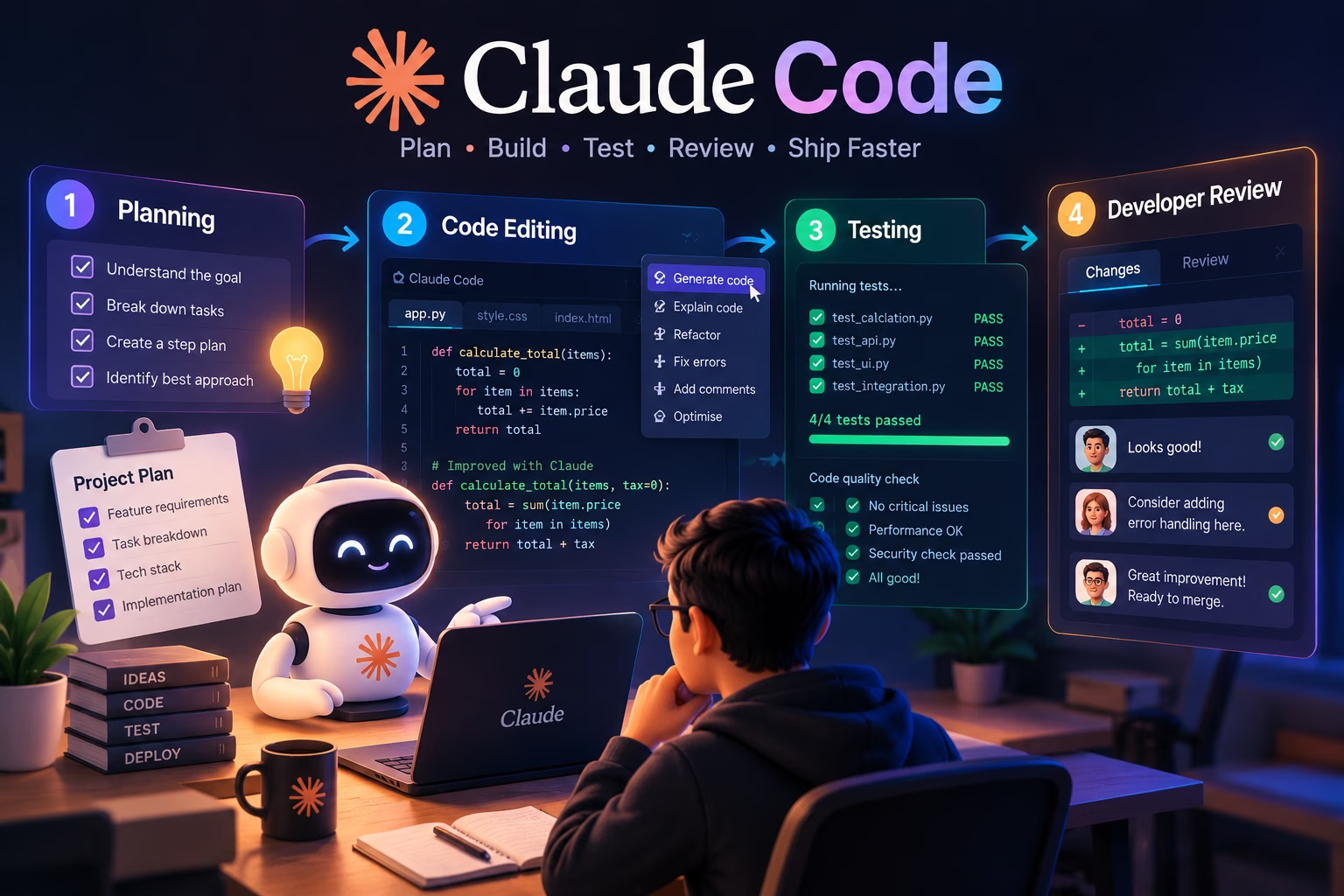
Real-world developer workflows
The prompts above are individual moves. Chained together, they become repeatable workflows, and the patterns below work well in practice.
Understanding a legacy codebase
Start with a mapping prompt, then narrow: the entry points first, then one module, then one function. The usual mistake is asking a single enormous question and hoping for a coherent answer. The agent’s context is finite and your patience should be too, so explore in layers.
Fixing a reproducible bug
The sequence that works: reproduce the bug yourself, capture the exact error, then ask the agent to investigate without editing. If its explanation is plausible, ask for a minimal fix, apply it, run the reproduction again and then run the surrounding test suite. The critical discipline is refusing to let the agent edit before it has explained the cause, because an edit-first approach produces patches that fix symptoms.
Implementing a feature across multiple files
Ask for a plan that lists the files to be touched and the role of each, and review it. Approve the work in stages: let the agent make the first change, review it, then continue. A large feature built in one uninterrupted run is hard to review and hard to debug when something goes wrong, while the same feature built in five reviewable chunks is manageable.
Adding tests before refactoring
Write characterisation tests first, with the agent’s help if useful, then refactor. This gives you a safety net that tells you whether behaviour changed. Without tests, a refactor is a leap of faith, and the agent’s confidence is not evidence.
Investigating a failed CI run
Paste the failing job’s output and ask the agent to distinguish between a genuine failure and an environment issue. CI failures are often caused by differences in dependency versions, timezones, file ordering or environment variables. The agent is good at spotting patterns across a long log; it is bad at knowing your infrastructure. Give it the log and your environment details, and ask it to state its confidence.
Reviewing a proposed pull request
Ask for a review that focuses on risk rather than style. Style is better handled by a linter. Risk, such as behaviour changes, missing edge cases and altered interfaces, is where a second reader adds value. Use the agent as a first pass and a human as the decision-maker.
Splitting a complex task
Suppose you need to add a new payment provider. The split might look like this: first, map the existing provider interface and the tests; second, add the new adapter with tests but no wiring; third, wire it into configuration behind a flag; fourth, add integration tests; fifth, update documentation. Each step is reviewable, testable and reversible, and each has a clear acceptance criterion. That structure is worth more than any single prompt.
Claude Code and Git workflows
Git is where agentic coding becomes either safe or terrifying, depending on the habits you enforce. Claude Code can inspect repository status, read diffs, draft commit messages and help resolve conflicts. It cannot make a bad diff good, and it should never be allowed to push unreviewed code to a shared branch.
Understanding repository status
Prompt: repository status
Show me the current Git status. Group the changes into: staged, unstaged and untracked. For each group, summarise what the changes appear to be doing and flag anything that looks unrelated to the current task. Do not stage, commit or discard anything.Inspecting diffs
Asking the agent to review a diff is one of the best uses of the tool, because it can hold more context than you can comfortably scan. Ask for a risk-oriented review, not a style review. Ask it to flag changes it does not understand rather than glossing over them.
Creating focused changes
A focused change is easier to review, easier to revert and easier to test. When the agent starts drifting, interrupt it. When a task turns out to be larger than expected, stop, commit what works, and restart on a fresh branch. The agent will not enforce this discipline for you.
Reviewing commits and preparing pull requests
Prompt: pull request description
Read the diff between this branch and main. Draft a pull request description with: a summary of the change, the motivation, the approach taken, any trade-offs or alternatives considered, how to test it, and anything a reviewer should pay particular attention to.

Base the description only on what is in the diff and the commit messages. Do not invent motivation that is not supported by the evidence. If the motivation is unclear from the diff, say so and I will fill it in.
Merge conflicts
The agent can help you understand both sides of a conflict, but conflict resolution requires knowing the intent of both changes. Ask it to explain each side and propose a resolution with reasoning, then review the result carefully. A silently dropped change in a conflict resolution is one of the more painful bugs to find later.
Non-negotiable: always inspect staged and unstaged changes before committing. Never allow an agent to run destructive Git operations such as a hard reset or force push without explicit, deliberate review. Never let unreviewed agent output reach a protected branch or a production deployment.
Customisation, MCP and extensibility
Out of the box, Claude Code works within the repository. The extensibility layer is what lets it reach beyond that, and it is also where most of the security decisions live.
Project instruction files
A CLAUDE.md at the repository root is read at the start of a session. Use it for durable facts that the agent would otherwise have to rediscover: how to run the tests, which conventions are non-negotiable, which directories are off limits. Here is a small illustrative example, with placeholders you should replace.
Markdown: example CLAUDE.md
# Project instructions

## Commands
- Install: `pnpm install`
- Test: `pnpm test -- --runInBand`
- Lint: `pnpm lint`
- Type check: `pnpm typecheck`

## Conventions
- Use named exports, not default exports.
- All new public functions require a unit test in the same directory.
- Do not modify files under `generated/`; they are produced by the build.
- Database access goes through the repository layer in `src/db/`, never directly from handlers.

## Constraints
- The `legacy/` directory is frozen. Do not edit it.
- Do not add new dependencies without asking first.
- Never commit secrets, `.env` files or credentials.

## Review expectations
- List files to be changed before editing any of them.
- Run the test suite after changes and report the results.
- If a task requires more than five files, propose a plan first.
MCP servers
The Model Context Protocol lets you connect external tools and data sources. An MCP server might expose a database, a documentation search, an issue tracker or a design system. Once connected, the agent can call those tools during a session. This is useful: the agent can look up a schema or a ticket rather than guessing. It also gives a model-driven process access to systems that may hold sensitive data. Grant the narrowest access that solves the problem, use read-only credentials where possible, and review what each server exposes before connecting it.
Skills
Skills package reusable instructions and workflows so that common tasks can be invoked consistently. A skill for “add a new API endpoint” can encode your team’s conventions, the files to touch and the tests to write. This reduces variance and improves quality, provided the skill itself is correct. Treat skills as code: version them, review changes to them, and test that they produce the expected result.
Hooks
Hooks run commands automatically at defined points. Running a formatter after an edit is a reasonable use. Running a deployment script is not. Any hook that can modify state outside the repository deserves the same scrutiny as a cron job on a production server.
Subagents
Subagents take delegated work in their own context, which suits parallel investigation, such as one subagent mapping the frontend while another maps the backend. The risk is inherited permissions: a subagent that can act broadly can take actions you did not individually review. Keep the permission scope tight and review the summary output rather than assuming it did only what you asked.
A useful rule: every external connection, hook or delegated agent widens the trust boundary. Before adding one, ask what the worst action it could take would be, and whether you could undo it.
Claude Code pricing and access
There are several routes to access, and they are not interchangeable. Because pricing and plan details change, this section describes the structure rather than quoting figures. Check the official Anthropic website and the Claude Code documentation for current numbers before making a decision.
- Subscription access. Qualifying Claude subscription plans include Claude Code usage subject to the plan’s limits. Higher tiers generally include more usage and access to more capable models.
- API access. You can use Claude Code with API billing, where usage is metered by tokens consumed. This gives fine-grained cost control but requires monitoring, since long sessions with large context can consume significantly more than a short one.
- Organisation and enterprise arrangements. Teams with specific compliance or procurement requirements typically negotiate access through Anthropic’s commercial channels.
- Third-party costs. MCP servers and external services you connect may have their own charges. These are separate from Claude Code usage and are easy to overlook.
Do not assume that a subscription includes every feature identically across every interface. Capabilities, model choices and usage limits can vary by plan and can change. If cost matters to your budget, verify it on the official pricing page rather than relying on a third-party summary, including this one.
Claude Code vs Cursor AI vs GitHub Copilot
These three tools overlap but are not the same product in different packaging. They are designed around different workflows, and the right choice depends on how your team works.
AI Coding Tools Compared
Compare Claude Code, Cursor AI and GitHub Copilot across everyday development workflows, customisation and code review.
← Swipe horizontally to compare all columns →
| Comparison |
Claude Code
|
Cursor AI
|
GitHub Copilot
|
|---|---|---|---|
| Primary workflow | Terminal-first agentic sessions | AI-native code editor | IDE extension with completions and chat |
| Terminal experience | Native and central | Available through editor terminal | Limited; not the focus |
| Codebase exploration | Strong, via tool-driven search | Strong, via editor indexing | Improving, generally narrower scope |
| Multi-file changes | Central capability | Central capability | Supported in agent modes, varies by plan |
| Planning and delegation | Explicit plan steps and subagents | Plan modes and background agents | Task-based agent modes |
| Customisation | CLAUDE.md, MCP, hooks, skills | Rules files, MCP, editor extensions | Instructions files, extensions, enterprise controls |
| Review and testing | Agent runs tests and shows diffs | Editor-integrated diff review | Inline suggestions and chat review |
| Learning curve | Moderate for terminal users, steeper otherwise | Low for editor users | Low |
| Suitable project types | Repositories with tests and CLI tooling | Frontend-heavy and editor-centric workflows | Teams standardised on GitHub and IDE plugins |
Cursor’s advantage is that it lives inside the editor. If your workflow is heavily visual, if you work with frontend components and design systems, or if you prefer reviewing changes in an editor diff view, an AI-oriented editor is a natural fit. Our Cursor AI guide for 2026 covers its feature set and limitations in detail.
GitHub Copilot’s advantage is ubiquity and low friction. It is already present in many organisations, its inline completions are fast, and its chat and agent features have expanded considerably. Teams already standardised on GitHub benefit from that integration. Our GitHub Copilot review for 2026 looks at how it holds up against newer entrants.
Claude Code’s advantage is the depth of the terminal workflow. It is comfortable running your test suite, reading the output and iterating. It works well on backend services, CLI tools and repositories where the feedback loop is a command rather than a visual preview. Its disadvantages are a steeper initial learning curve and a workflow that assumes competence with a terminal.
Using more than one is entirely reasonable. Many developers keep an editor-based assistant for inline completions and use Claude Code for larger, multi-step tasks.
Performance, context and reliability
Every coding assistant has failure modes. Knowing them is more useful than a feature list, because it tells you when to trust the output and when to slow down.
- Large repositories. Context windows are finite. A repository with hundreds of thousands of lines cannot be fully understood in one session. Narrow the scope with explicit paths.
- Context drift. Long sessions accumulate irrelevant detail. Quality can degrade without any obvious signal.
/compactor a fresh session often restores it. - Incorrect assumptions. The agent may infer a convention from one file and apply it everywhere, even where it does not hold.
- Hallucinated APIs. It may call a function or use a library method that does not exist. Type checking and tests catch this; careful reading catches it faster.
- Incomplete tests. A passing test shows that its assertion held, not that the code is correct.
- Dependency conflicts. Adding a package may resolve the immediate problem while conflicting with a version elsewhere in the tree.
- Long-running tasks. Extended autonomous work is harder to supervise and harder to unwind when it goes wrong.
- Usage costs. Long sessions with large context consume more tokens. On metered access, this matters.
| Symptom | Likely cause | Sensible next step |
|---|---|---|
| Agent edits the wrong files | Wrong working directory or ambiguous scope | Restart in the correct directory; list the target files explicitly |
| Repeated failed fixes | Misunderstood root cause | Stop editing; ask for a written causal explanation first |
| Forgets earlier instructions | Context saturation | Use /compact or start a fresh session with a summary |
| Calls a non-existent function | Hallucinated API | Run type checks; ask the agent to verify the signature in the codebase |
| Tests pass but behaviour is wrong | Weak assertions or missing cases | Strengthen tests; add boundary and negative cases |
| Broad, unfocused diff | Task too large or acceptance criteria unclear | Split into smaller tasks with explicit success conditions |
| Permission prompts block progress | Restrictive default permissions | Review /permissions and allowlist specific safe commands |
The most effective improvements are not exotic. Smaller tasks, clearer acceptance criteria, a working test suite and a focused prompt solve most reliability problems. If the tool is consistently producing bad results, the first thing to examine is the task definition.
Security and responsible engineering
An agent that can read files and run commands is an agent that can cause damage. The permission system reduces that risk, but it does not eliminate it. This section separates the documented safeguards from the general security practices you should apply regardless.
Prompt injection
Any content the agent reads can contain instructions. A malicious README, a crafted dependency file or a compromised MCP server could attempt to steer the agent towards actions you did not intend. The defence is not to trust every input equally: be cautious about running the agent on untrusted repositories, and review actions that follow a read of untrusted content.
Secrets and environment variables
Do not put secrets in prompts. Do not allow the agent to read .env files unless it genuinely needs specific values. Keep secrets in your shell environment or a secret manager, and ensure that any file the agent can read is safe to expose to that process.
Least privilege
Grant the narrowest permissions that solve the problem. Allowlist specific safe commands rather than broadly approving categories. Review /permissions before broadening access. Revoke permissions you no longer need.
Destructive commands
Commands that delete data, reset repositories or modify infrastructure should never be approved without understanding exactly what they do. The agent is not being malicious when it proposes git reset --hard; it may simply not realise that you have uncommitted work you need. Your review is the safeguard.
Supply chain and dependencies
An agent that adds a package to solve a problem may introduce a dependency you have not vetted. Check what was added, why, and whether it is maintained, because an unnecessary dependency is an unnecessary risk.
Production systems
Treat production access as a separate risk category. An agent working on staging is a productivity tool; one holding production credentials is a potential incident. Keep the two environments strictly separated, and never allow an agent to deploy without a human in the loop.
- Confirm the working directory contains only the project you intend to modify.
- Check that no secrets are readable by the agent’s process.
- Review the permission list and remove anything broader than necessary.
- Read the full diff before committing, not just the summary.
- Confirm tests pass and that they actually exercise the changed behaviour.
- Verify that no new dependencies were added unexpectedly.
- Check that database migrations have a tested rollback path.
- Ensure no agent action can reach production without human approval.
Measuring whether Claude Code helps
Faster code generation is easy to observe and easy to overvalue. The metric that matters is total engineering cost: time to a correct, reviewed, maintainable change. That includes review time, defect rate and the cost of fixing problems later.
A controlled experiment is more useful than an anecdote. Pick a small set of tasks of similar complexity. Do half without the tool and half with it, ideally across different developers to reduce individual variation. Record the metrics below.
Conventional vs AI-Assisted Workflow
Illustrative comparison of potential changes in software development performance. These figures are examples, not measured research results.
All figures are hypothetical and intended only to illustrate a comparison. Actual outcomes vary by project, team, task complexity and measurement method. A percentage change should not be interpreted as a verified improvement without supporting data.
Developer Workflow Measurement Guide
What to measure, why it matters and how to collect it.
| Metric | What it tells you | How to collect it |
|---|---|---|
| Time to complete a task | Raw throughput | Track start and end timestamps in your issue tracker. |
| Test pass rate | Whether the output is functionally correct | Record CI results on the first run after submission. |
| Defect rate | Quality of shipped changes | Count bugs filed against the change within a defined window. |
| Review corrections | How much human rework was needed | Count review comments that require code changes. |
| Regression frequency | Whether existing behaviour broke | Track rollback events and incidents tied to the change. |
| Maintainability | Long-term cost | Measure complexity, duplication and code churn in changed files. |
| Developer review time | Hidden cost of generated code | Measure time from pull request opening to approval. |
Measurement table: what to track and how to collect it.
The pattern in the illustrative chart is a common one: generation gets faster, but review time and correction counts can rise. If they rise by more than generation time falls, total cost has not improved, which is why it is worth measuring instead of going on enthusiasm.
Common mistakes developers make
Most problems with agentic coding tools come from the human side of the loop rather than the model side. These are the recurring ones and the habits that replace them.
Vague tasks without acceptance criteria
“Make the API better” produces a wandering, unfocused result. “Add per-key rate limiting with a 429 response and a Retry-After header, covered by integration tests, without affecting internal calls” produces something reviewable. The acceptance criteria are the contract.
Allowing changes before understanding the problem
The edit-first instinct is natural when you are in a hurry. It is also how you end up with a patch that fixes a symptom. Ask for a diagnosis first, review it, then ask for a change.
Skipping tests
A passing test suite is the agent’s feedback loop and your safety net. Skipping tests removes both. If the project has no tests, that is the first thing to fix, not the last.
Accepting a huge diff without review
A 1,500-line diff is not reviewable in the way a 150-line diff is. If the change is too large to review carefully, it is too large to accept. Split it.
Sharing secrets through prompts
Pasting a full configuration file or an environment dump into a prompt exposes every secret in it. Redact first. Ask for specific values rather than entire files.
Trusting generated code without checking dependencies
A new package introduced to solve a small problem can create a maintenance burden and an attack surface. Review dependency additions as carefully as code changes.
Attempting a large migration in one uncontrolled task
Migrations deserve their own plan, their own rehearsal and their own rollback path. Doing it as one long autonomous run is how you discover a locking problem in production.
Confusing a successful command with a correct implementation
The agent ran the tests and they passed. That means the assertions held, not that the code is correct. A test suite can miss the case that matters. The command is evidence; your review is the judgement.
A practical Claude Code workflow to try in your next project
Here is a concrete workflow you can run on your next task. It is deliberately conservative, aimed at a result you can merge with confidence rather than at extracting maximum autonomy from the tool.
- Start with a clean Git working tree. Commit or stash everything. The agent’s diff should be the only change in progress, so you can see exactly what it did.
- Map the relevant files. Ask the agent to identify the files involved in the task and explain why each one matters. Review the list. If it has missed something obvious, correct it before proceeding.
- Define a narrow task and acceptance criteria. Write down what “done” means: which behaviour changes, which tests should pass, which interfaces must not change.
- Request an implementation plan. No edits yet. The plan should list files, changes and tests.
- Review the plan before permitting edits. Correct the plan while it is cheap to correct.
- Make a small, focused change. One logical change at a time. Review each one before moving on.
- Run the relevant tests and inspect failures. Do not accept “the tests were already failing” without confirming which ones and why.
- Review the complete diff. Read every hunk. Flag anything unrelated to the task.
- Check security, edge cases and regressions. Ask explicitly about authorisation, input validation, error paths and boundary values.
- Commit only when you are satisfied. Write a commit message that explains the why, not just the what.
Here is a prompt that encodes the whole workflow for a single small feature. It deliberately instructs the agent not to skip tests or review.
Prompt: end-to-end small feature
I want to implement one small feature: add a "last seen" timestamp to the user profile response.

Before making any changes:
1. Identify the files that would need to change and explain why each is relevant.
2. Describe the current shape of the user profile response and where it is assembled.
3. Propose a plan that includes the database change (if any), the serialisation change, the tests to add and any documentation to update.

Constraints:
- Do not change any other response fields.
- Do not add new dependencies.
- Preserve existing behaviour for users who have never logged in.
- The implementation must include tests that cover: a user with a timestamp, a user without one, and a user whose timestamp is in the future due to clock skew.

After I approve the plan, make the changes one file at a time and run the relevant tests after each change. Report the results. Do not commit anything. At the end, summarise the diff and list anything you are uncertain about.
The workflow will feel slow the first time you run it. The speed worth caring about is the speed of a change you can trust, not the speed of generation. Once the habits are in place the workflow compresses: you learn which steps you can combine for which kinds of task, and which you should never skip on a payment path or an authentication flow. Supervised, the tool is useful; unsupervised, it is dangerous. What separates the two is the workflow, not the model.